Mobile Ouaib first
mouaif
Run an AI coding workspace for your local projects, with a web inspector, a CodeMirror-based code editor, subagents, and custom prompts.
npx mouaif serve
npx mouaif serve --auth
npx mouaif serve --auth --port 9000
npx mouaif serve --auth --public-origin https://mouaif.example.com
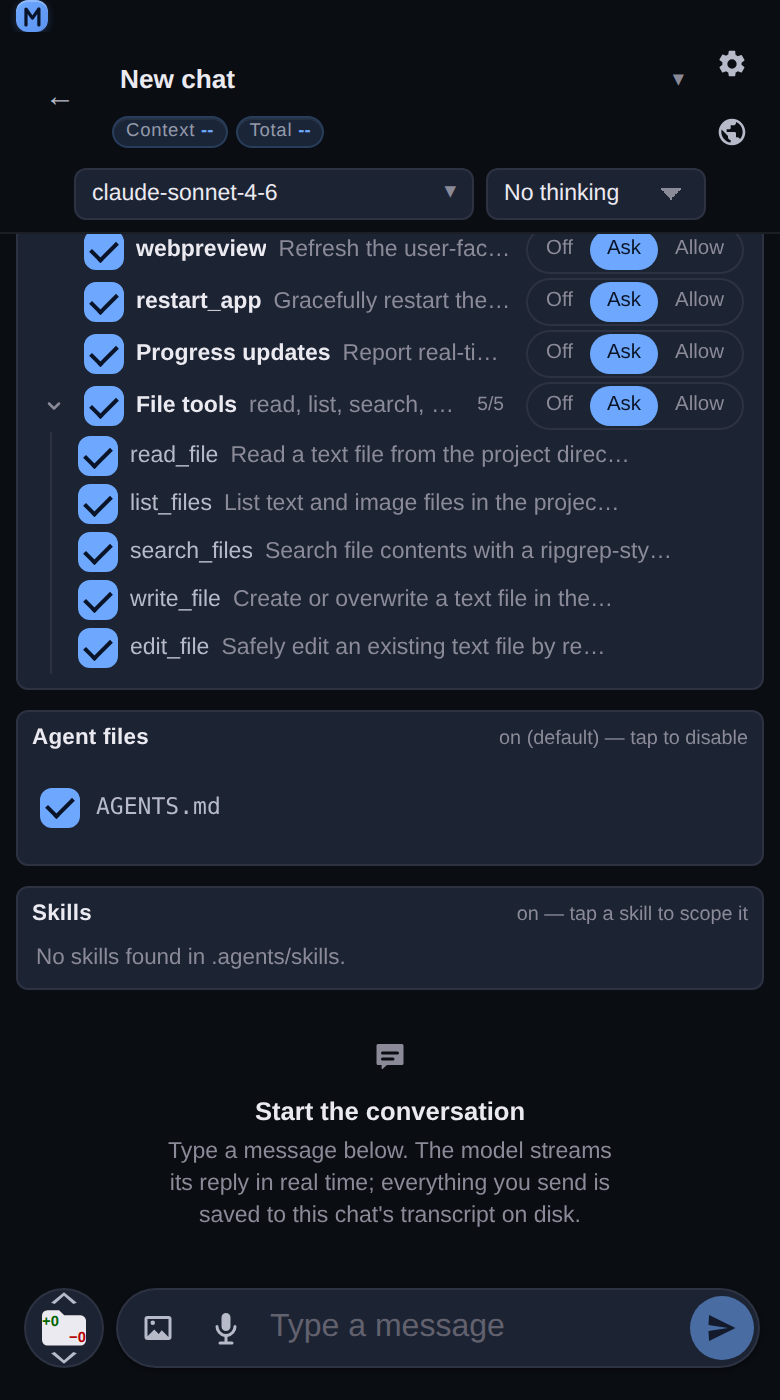
npx mouaif serve --auth-setupAn empty chat at 390 px: the system-prompt card and the Tools card, listing every tool with a checkbox and an Off / Ask / Allow control, above the "Start the conversation" state.
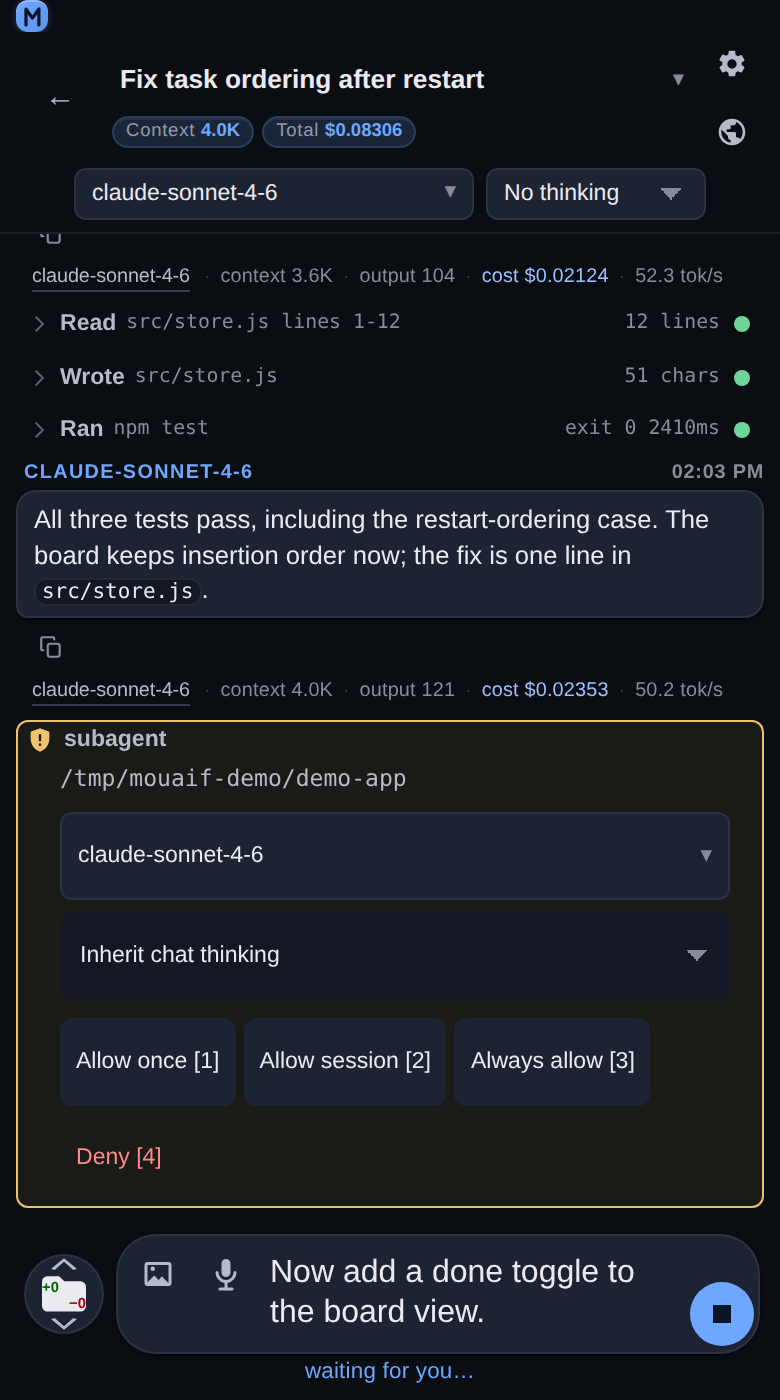
A subagent authorization card at 390 px: the delegated task, the per-run model picker and thinking select, and the Allow once / Allow session / Always allow / Deny buttons.
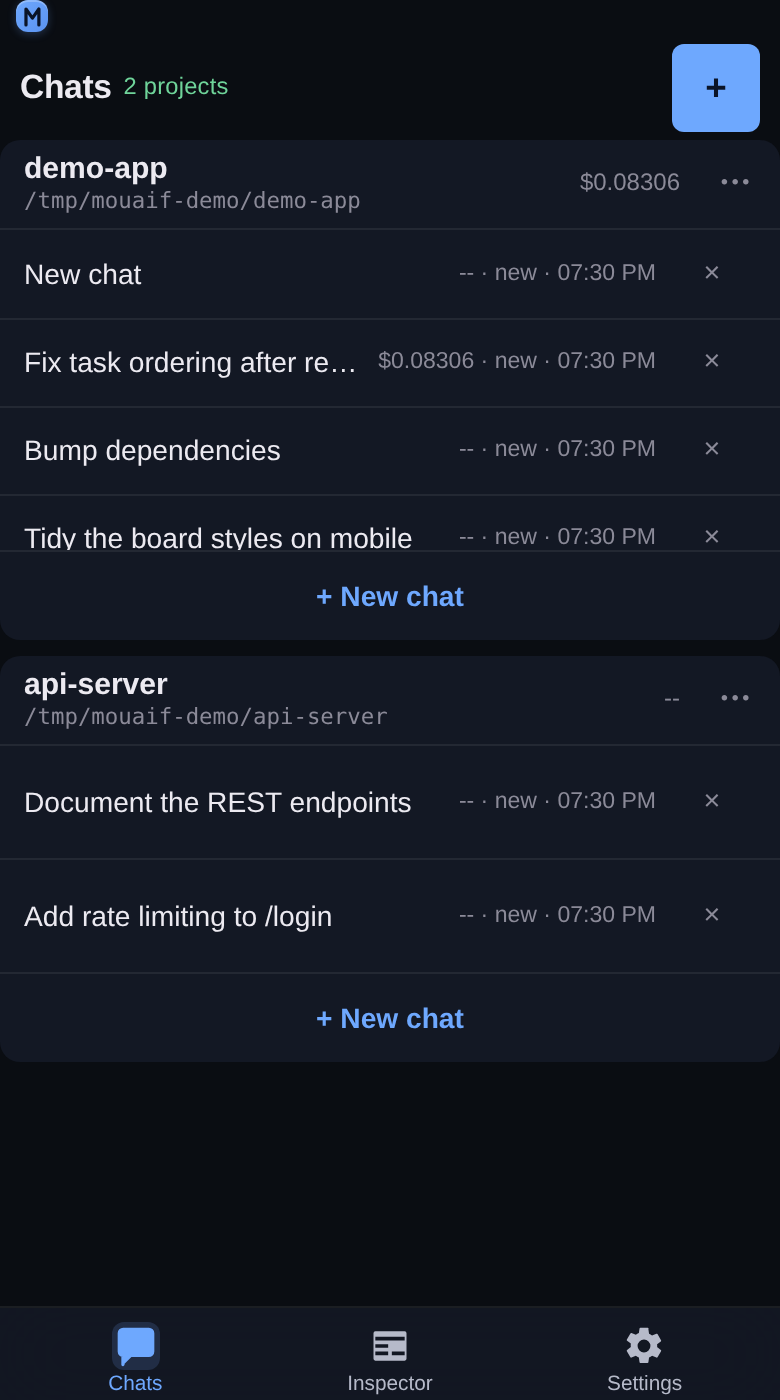
The Chats tab at 390 px: two project cards, each holding its own scrolling chat list with a New chat button under it.
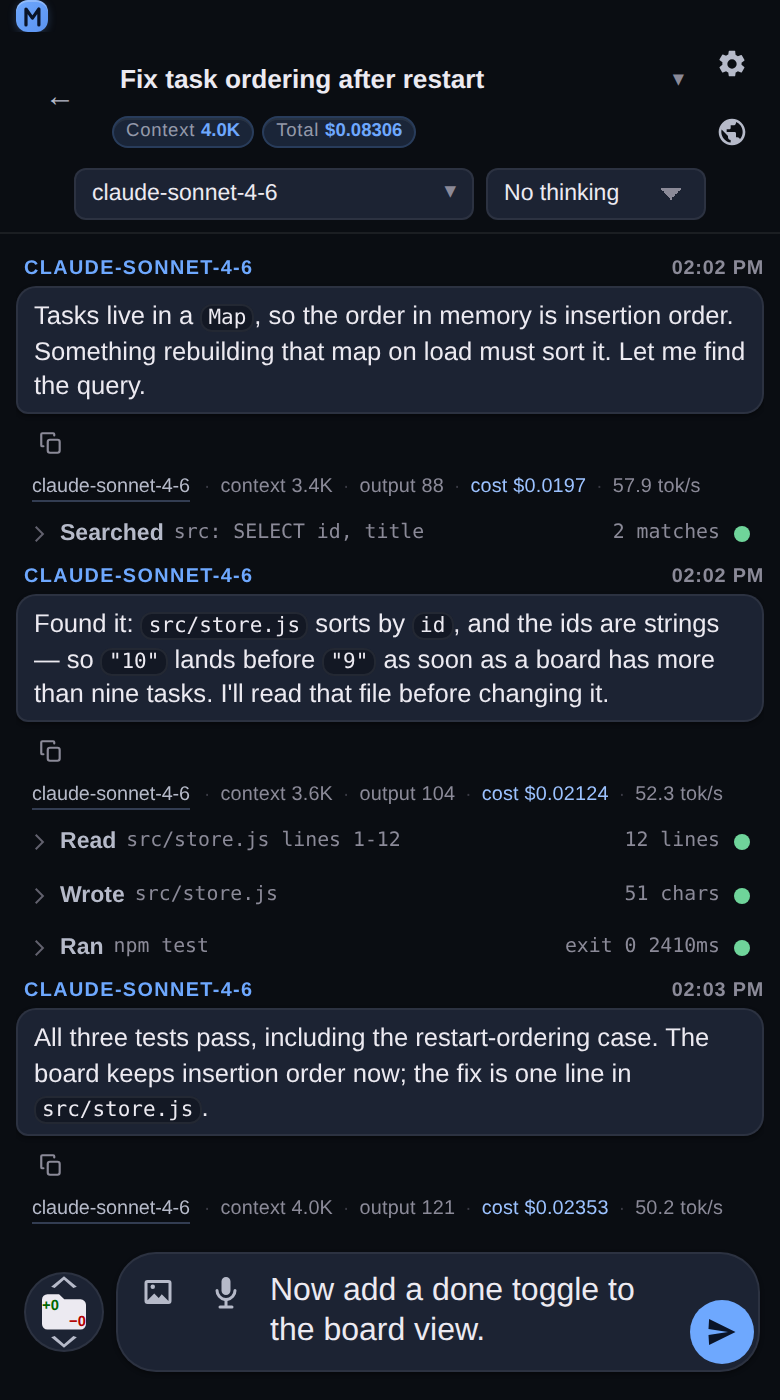
A chat at 390 px: the model header, an assistant turn with its per-turn cost line, and the Read, Searched, Wrote and Ran tool cards above the composer.
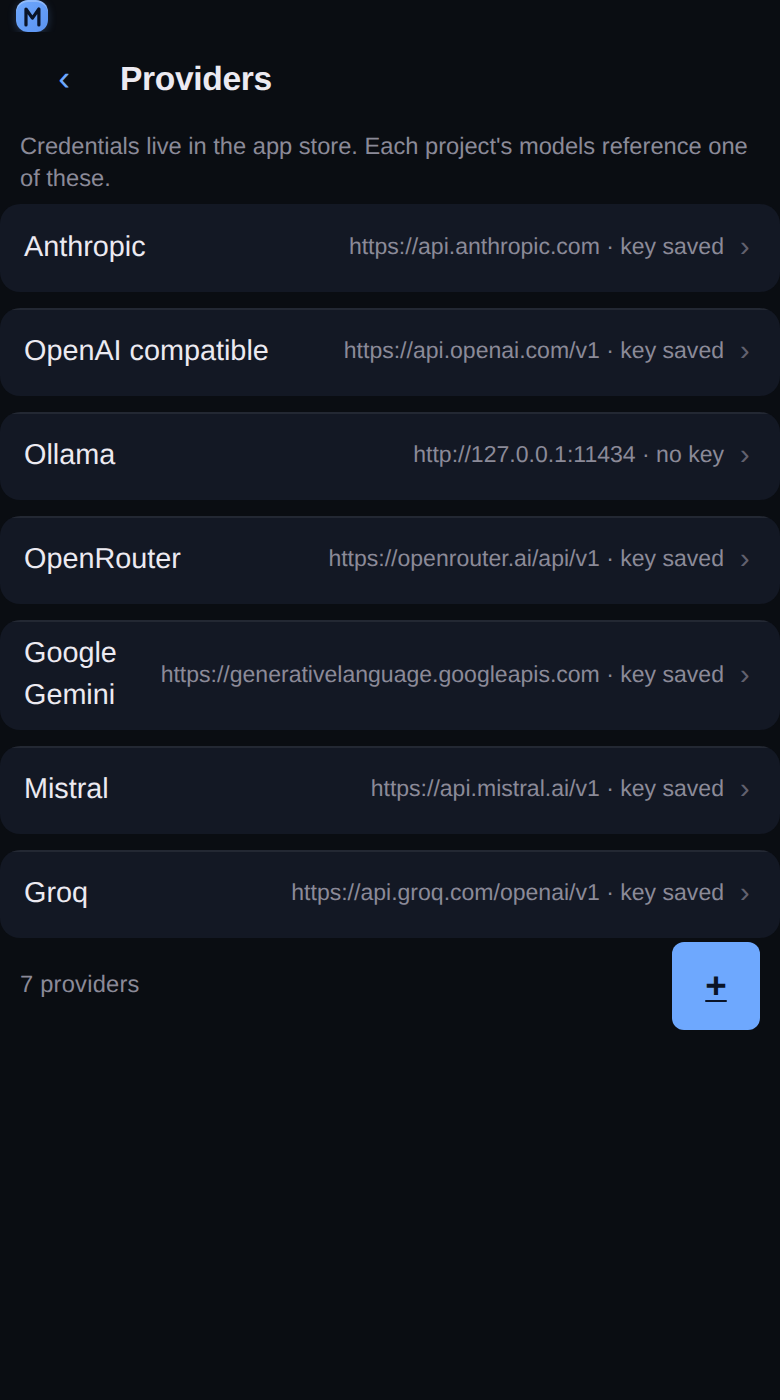
Settings → Providers at 390 px: seven connected providers, each row naming its endpoint and whether a key is stored.
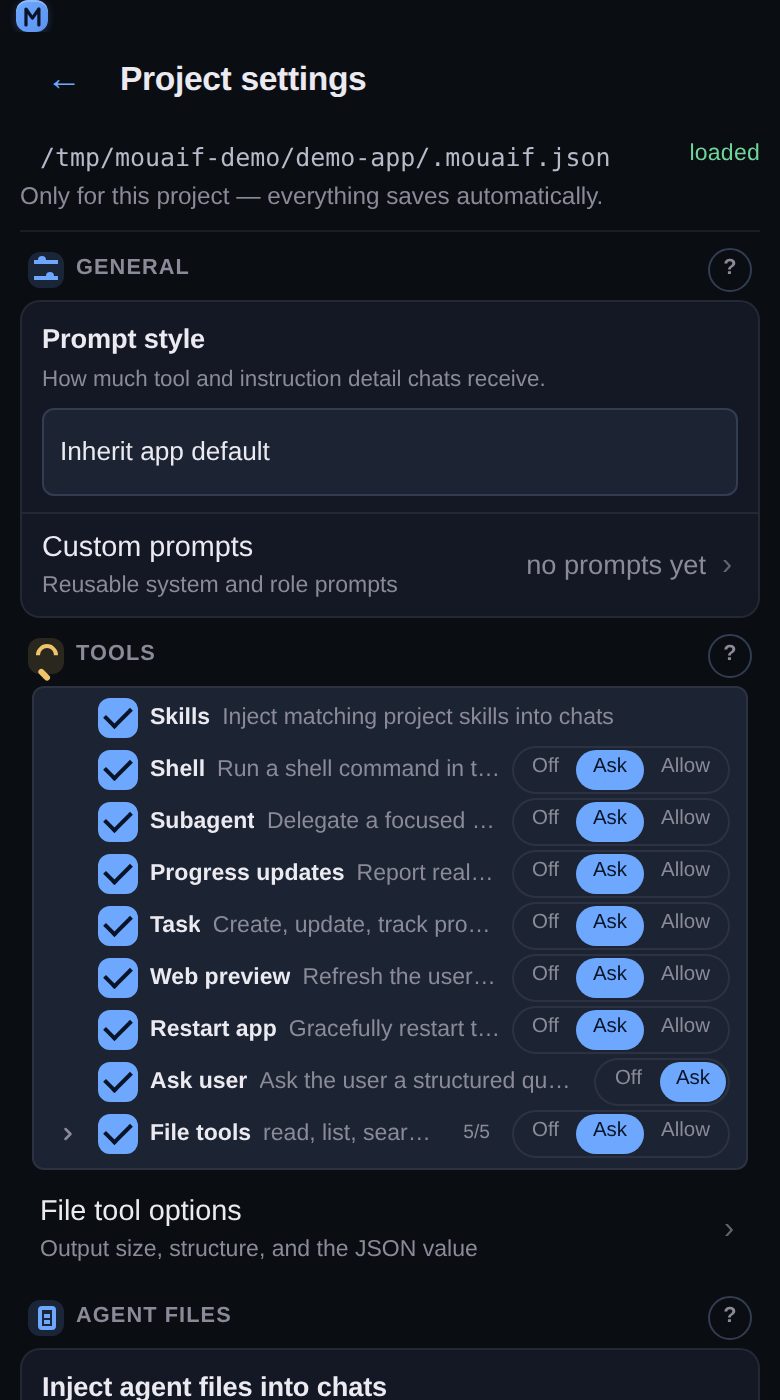
Project settings at 390 px: the prompt style, then the tool list where every tool carries its own Off, Ask or Allow control.
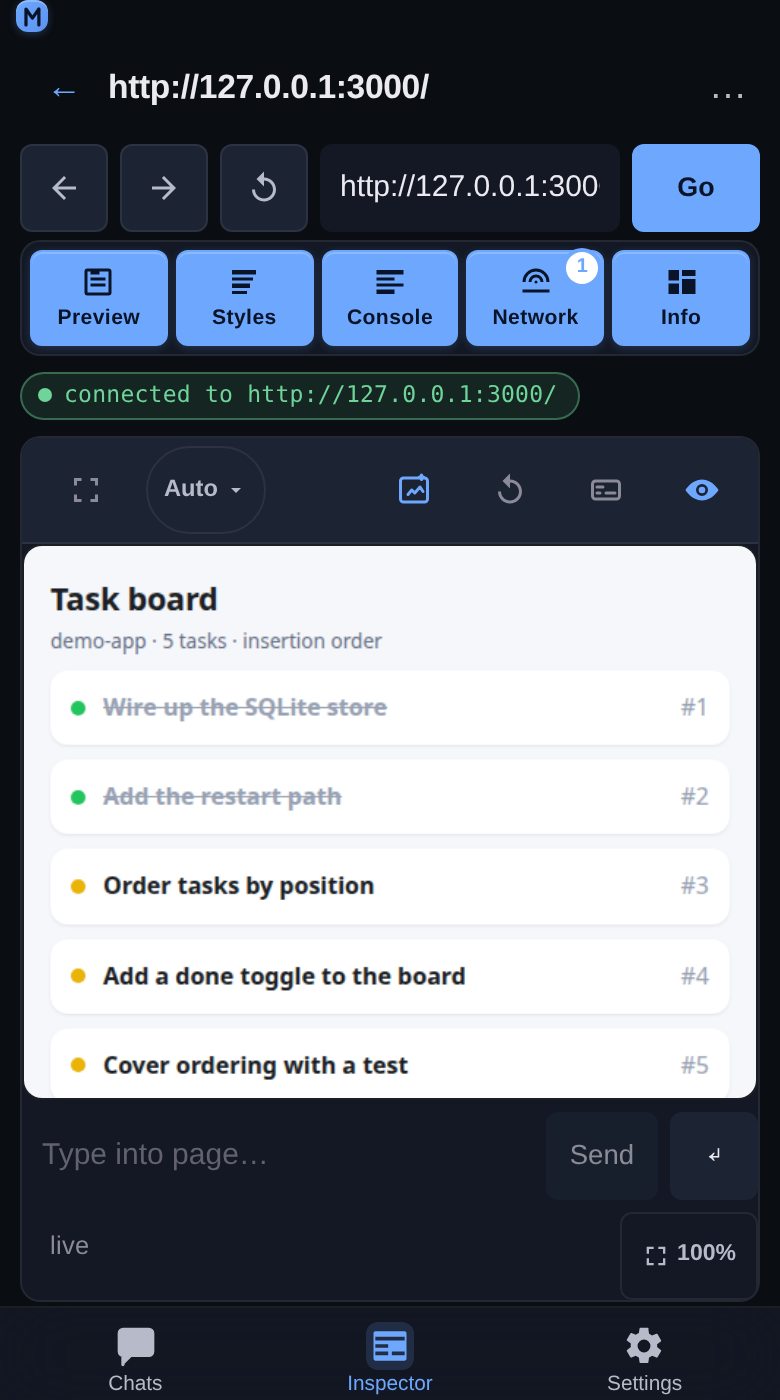
The Inspector tab at 390 px, attached to a page over CDP: the target bar, the panel chips, the live preview of the inspected page, and the console input.
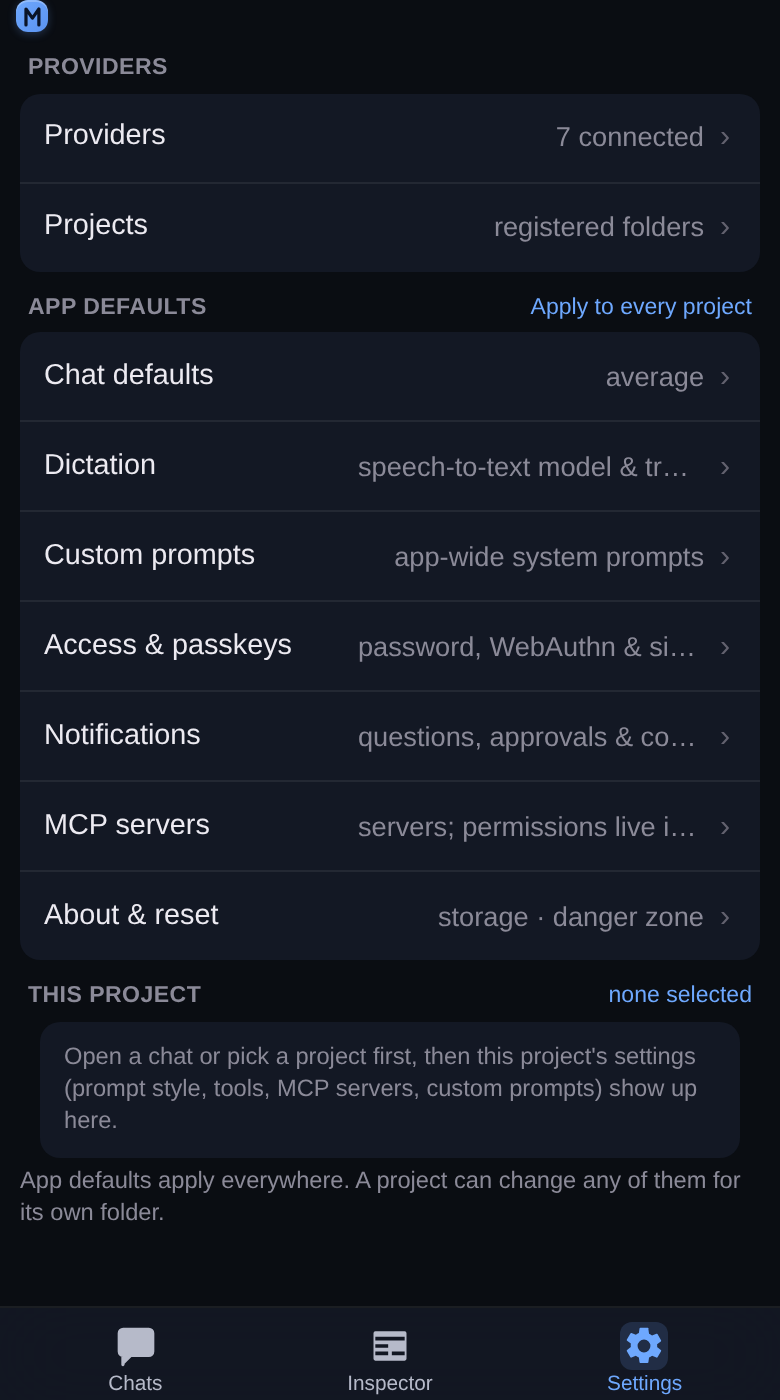
The Settings tab at 390 px: a Providers section, then the app defaults that apply to every project.
Install and run
Node.js 20 or newer is required. Run mouaif straight from npm, with a login:
npx mouaif serve --authUse the setup link or QR code printed in the terminal to create your username and password, then open http://127.0.0.1:5732/, add a project folder, connect a provider in Settings → Providers, and create your first chat.
Or install from a checkout of the repository:
git clone https://github.com/GjeloshajAntoine/mouaif.git
cd mouaif
npm install
npm link
mouaif serve --authProtect app access
Generate an expiring setup link, QR code, and short code:
mouaif serve --auth-setupOr set a user while keeping the password out of shell history:
MOUAIF_PASSWORD='a-long-password' \
mouaif serve --auth --user aliceWhat you can do
- Organize chats by local project and choose models per chat.
- Let the assistant read and edit files, run approved commands, track tasks, and delegate to agents.
- Connect extra tools through MCP.
- Preview and inspect browser pages from the mobile-friendly Inspector.
- Use Draft Craft to add selected code or an annotated Inspector image to any chat draft.
- Control every tool with Off, Ask, or Allow permissions.